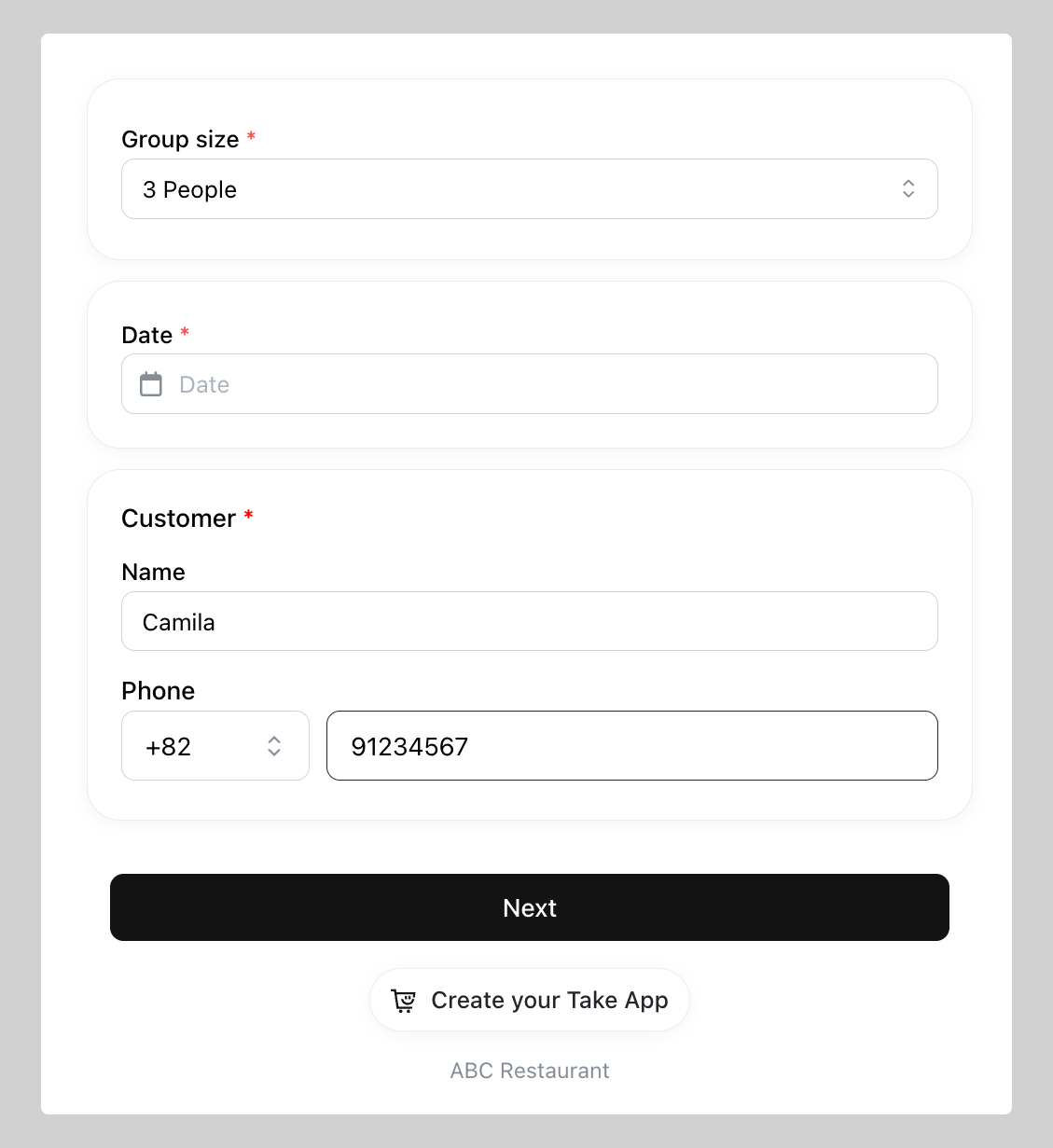
You can let your customer book tables or any other unit prior to their reservation date and time.
How to set Booking
-
Go to Admin and click
Booking -
Set your initial booking settings then click
Create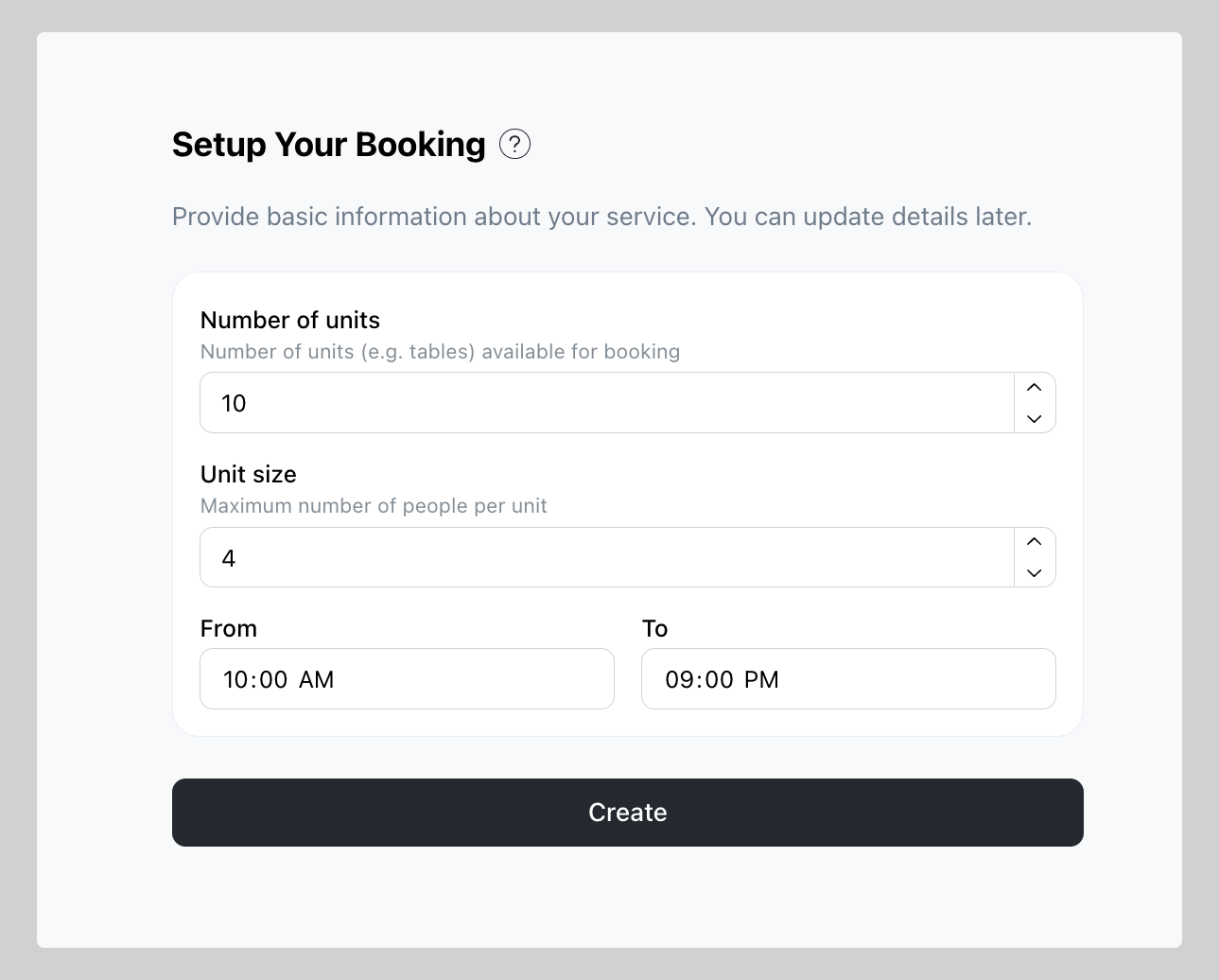
What to do after Booking setup is complete
-
Share or attach the booking link on your preferred marketing channel
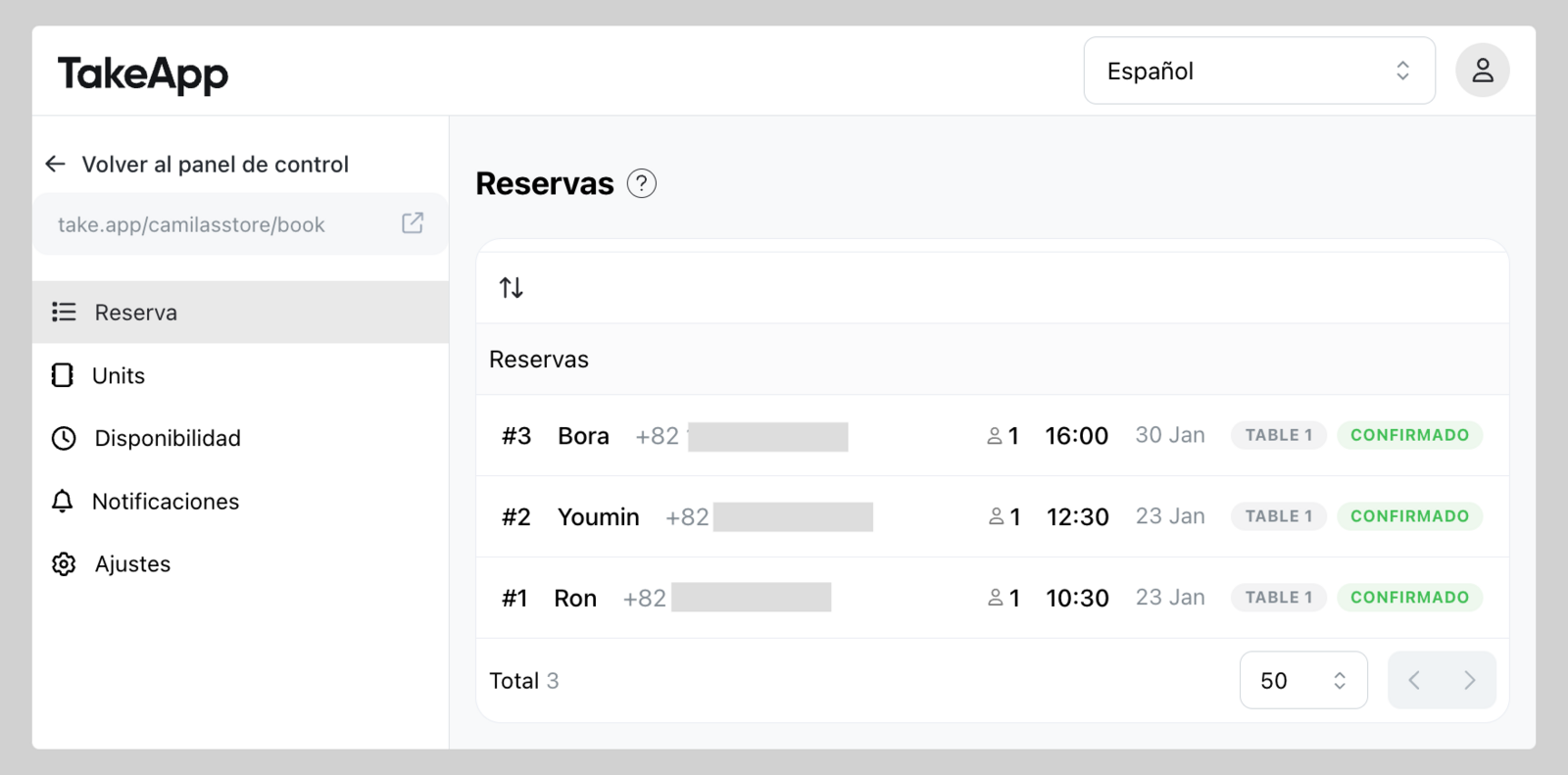
-
In
Unitsyou can modify the unit name and capacity as you prefer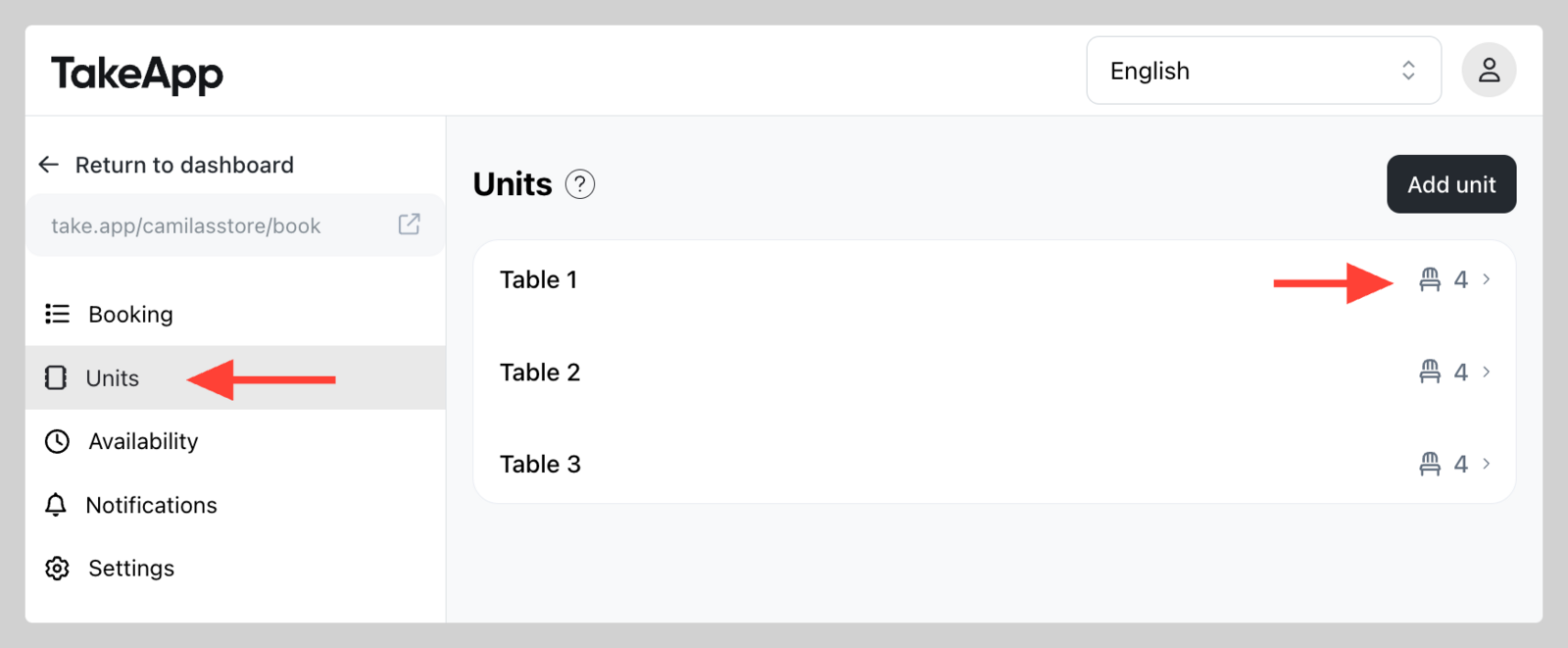
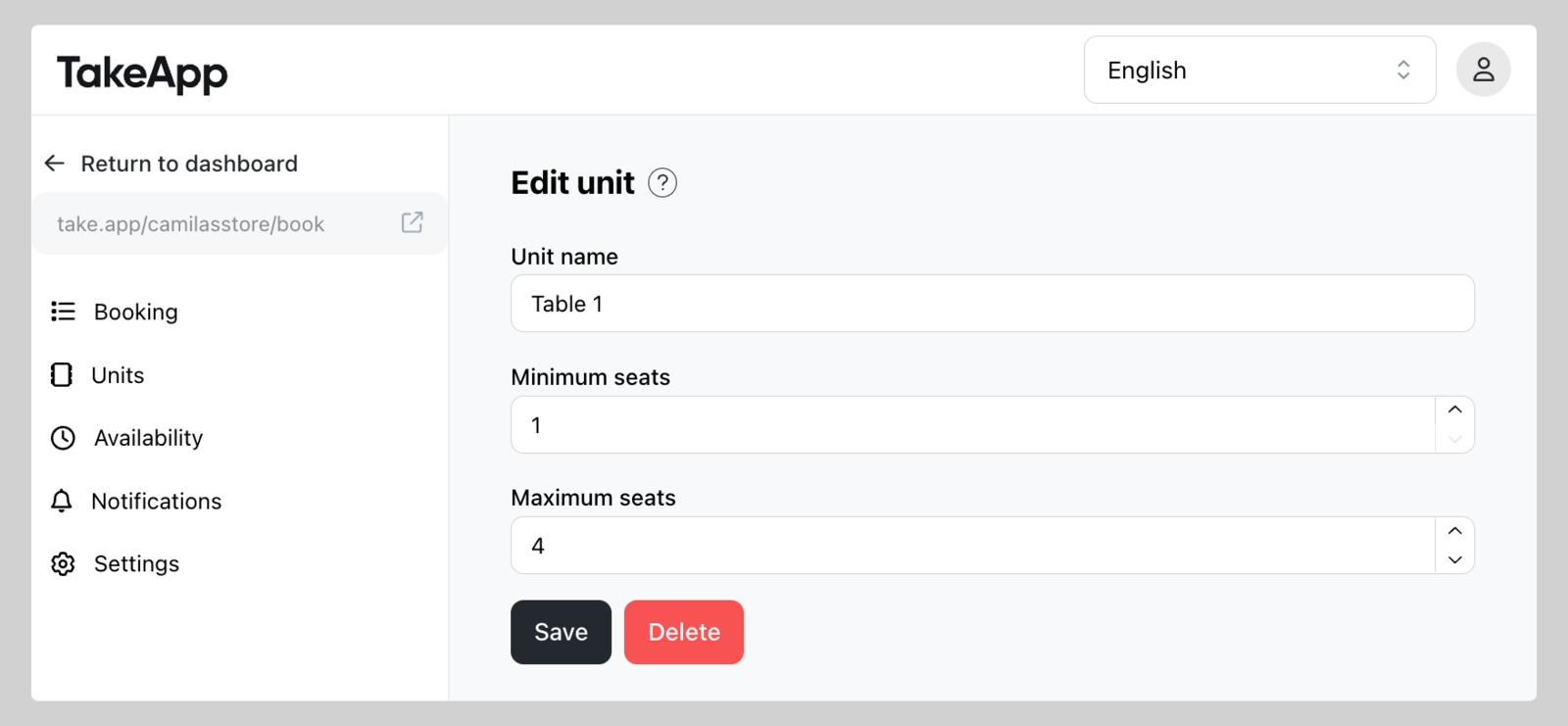
-
In
Availabilityyou can change the schedule.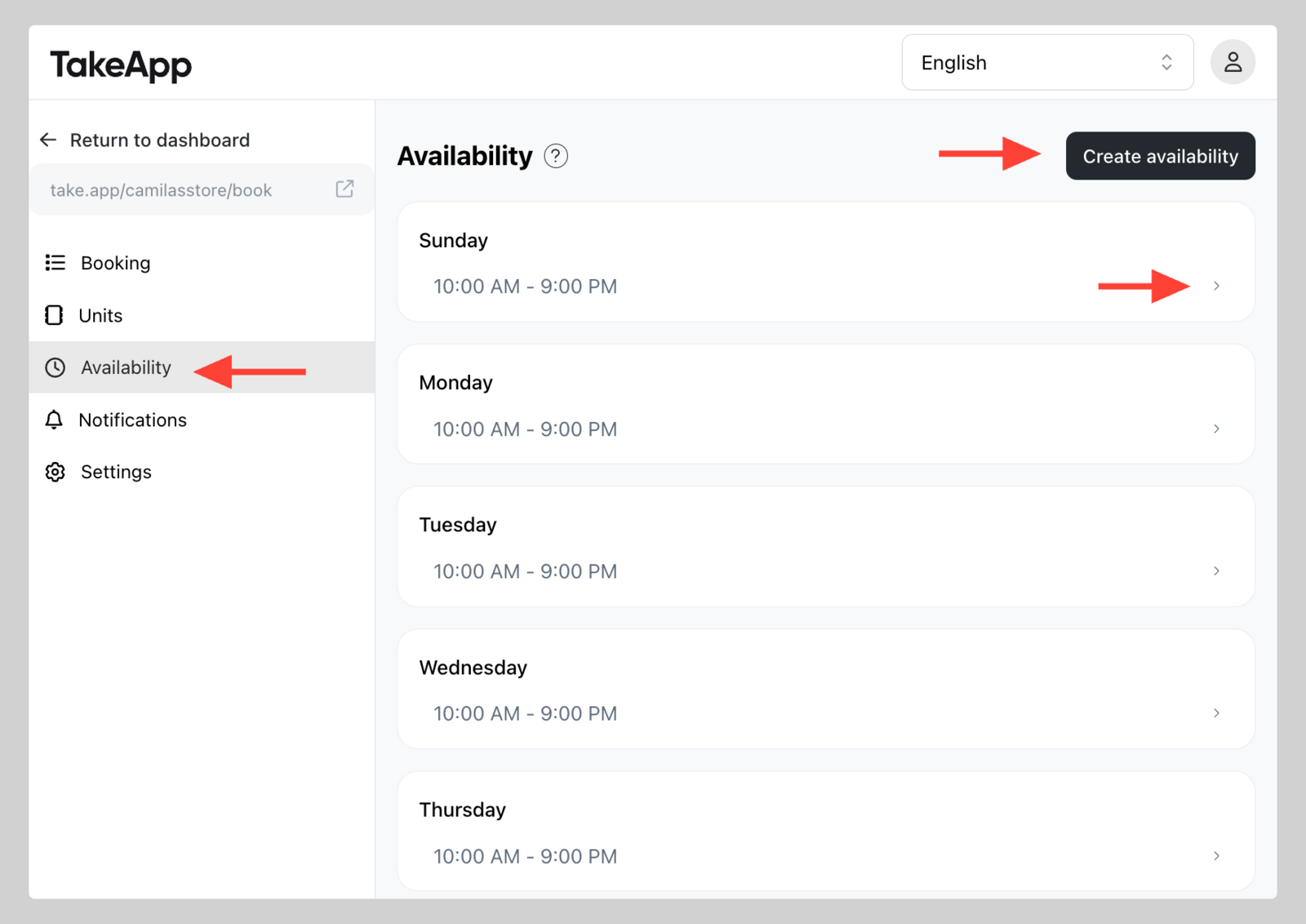
-
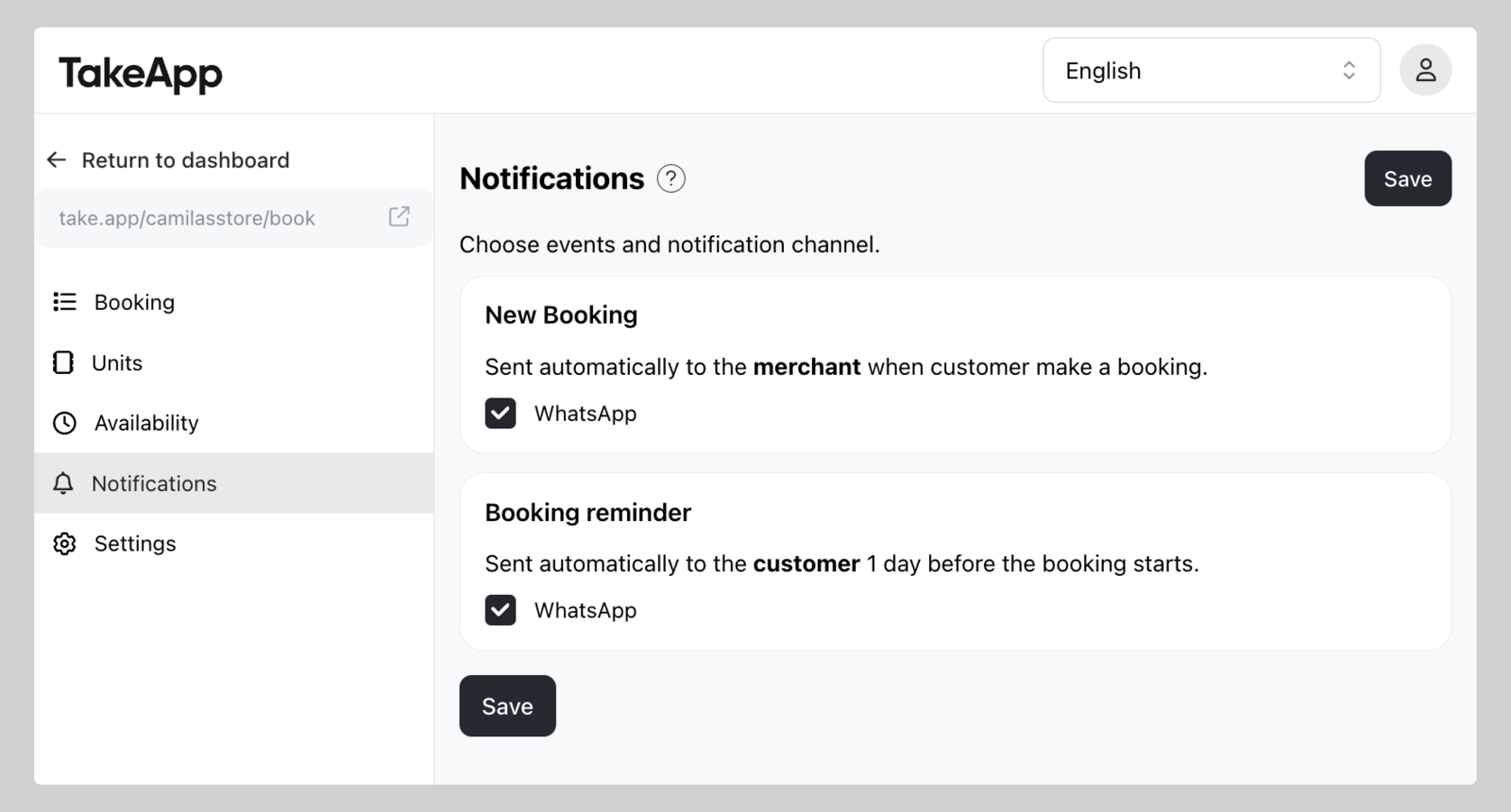
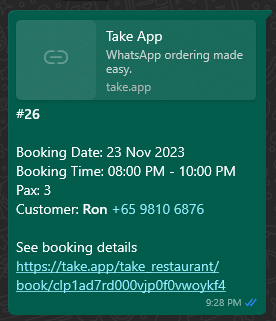
Turn on automatic notification for new booking (to admin phone) and booking reminder (to customer phone)