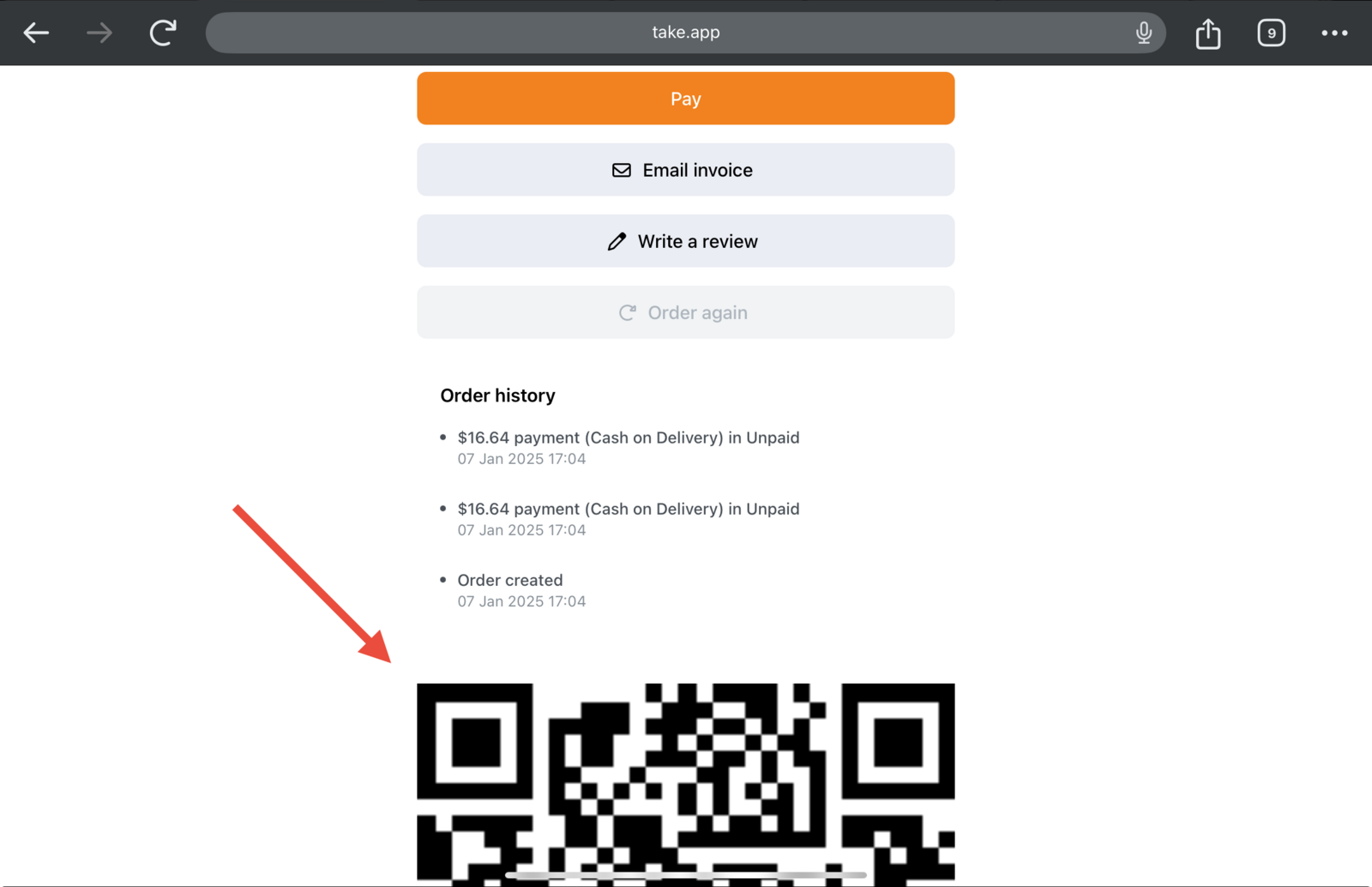
You can generate QR code in your invoice print-out to let your staff scan and verify the QR code from client phone upon pick-up or delivery.
How to generate the invoice with QR code
-
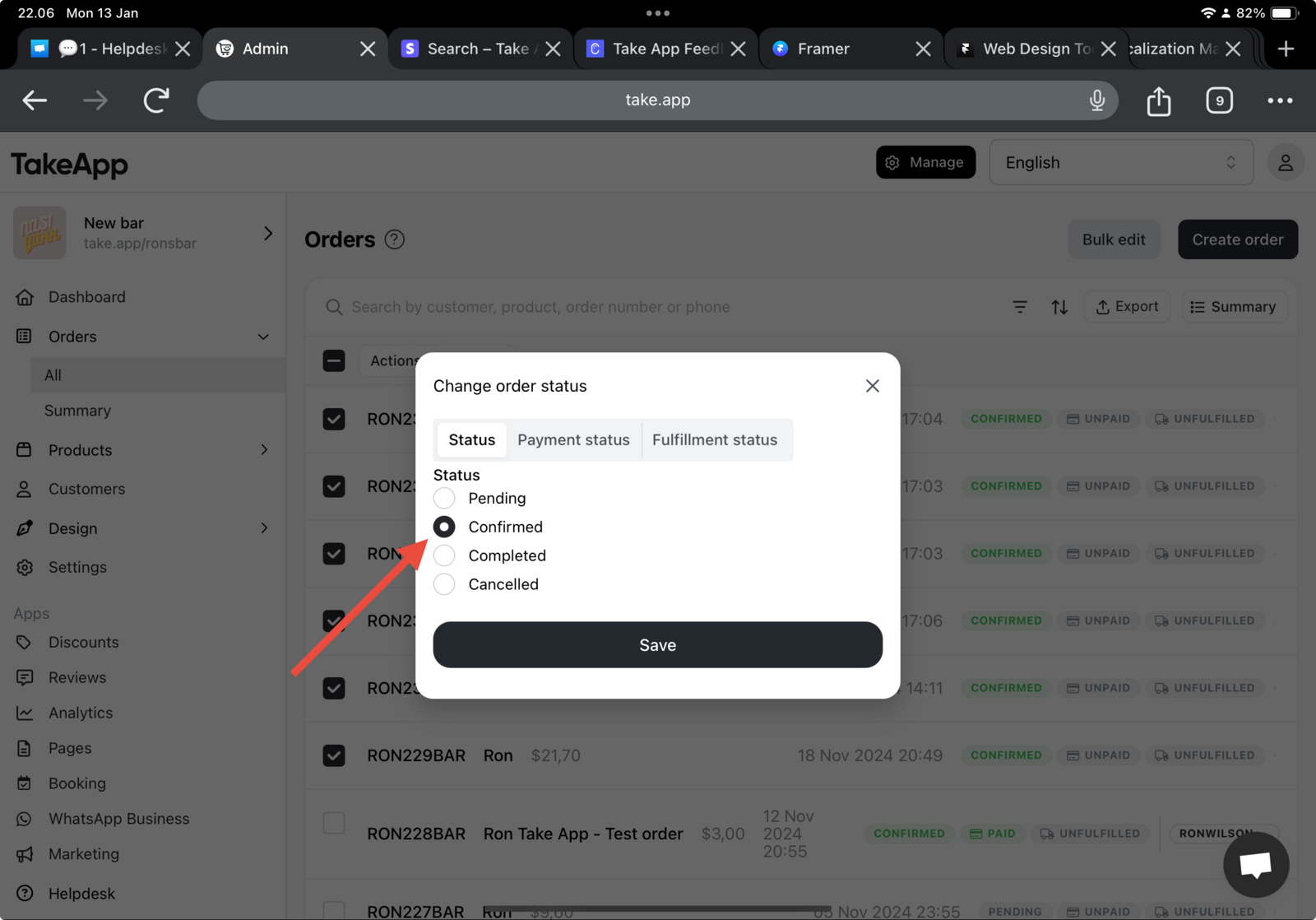
Go to Admin > Orders > All > Change order status to
Confirmed.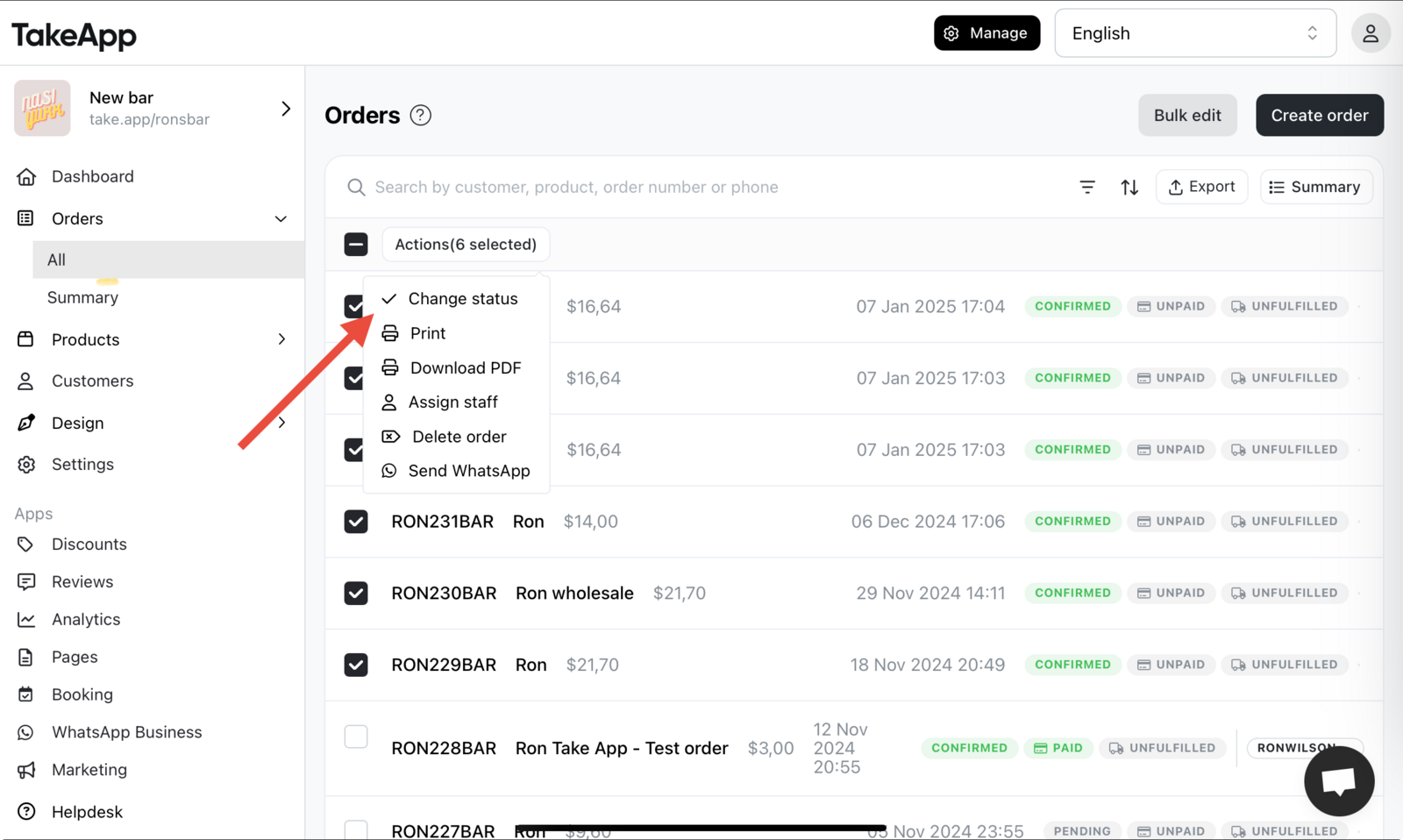
-
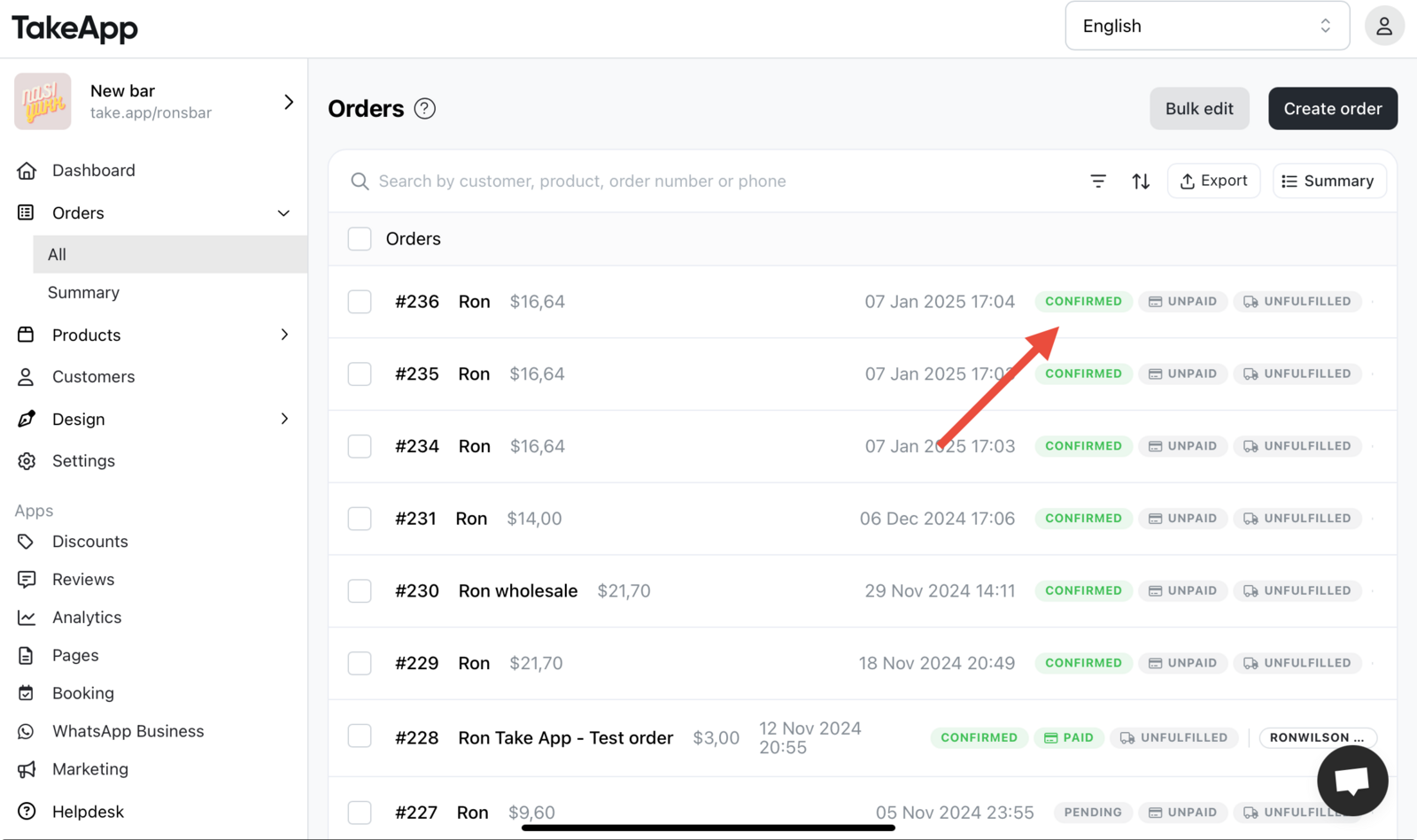
Click on order that has been changed to see the invoice detail.
-
Scroll to the invoice page and click on
Open linkbutton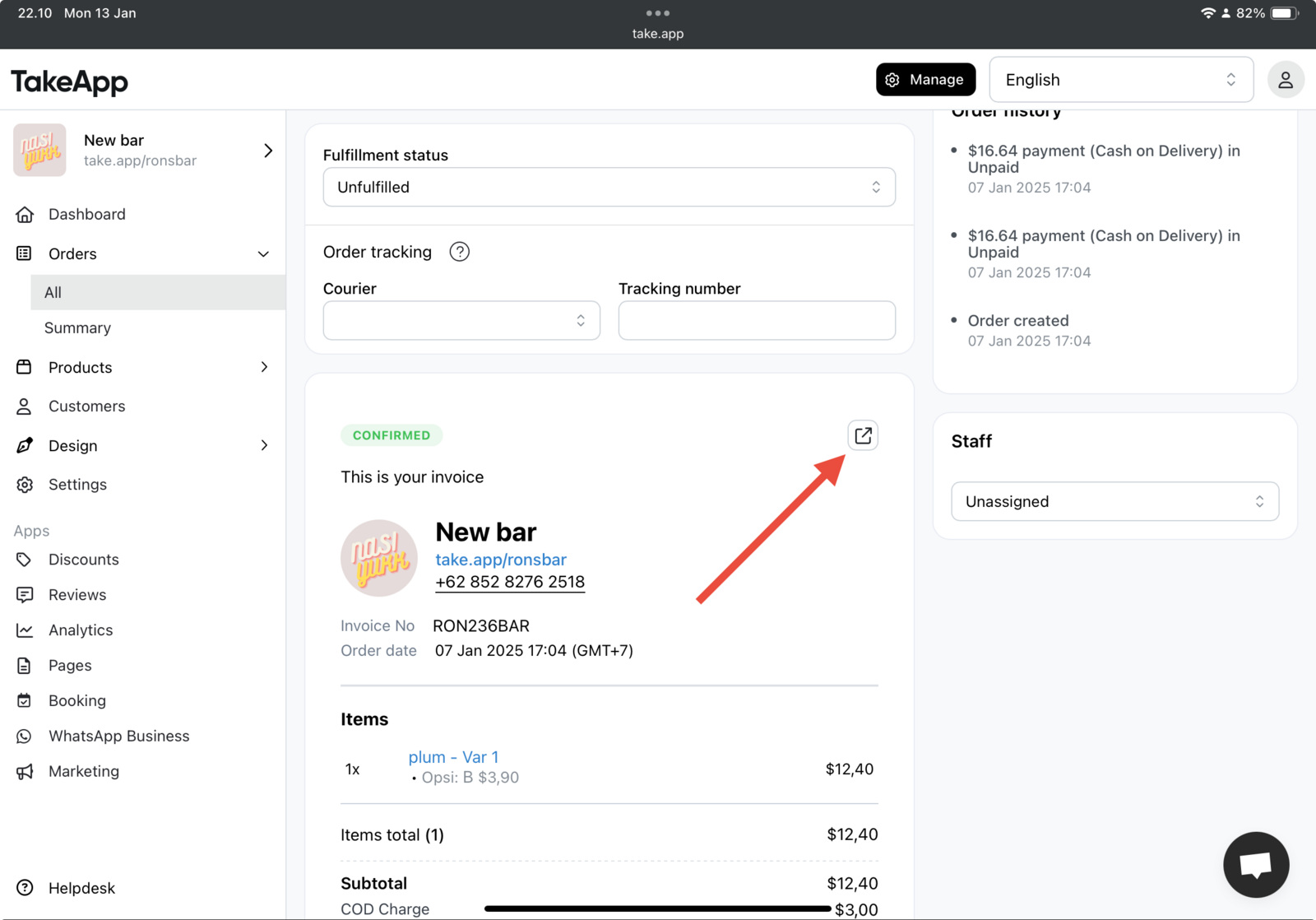
-
Check the QR code generated at the bottom of invoice, then you can print it if required.