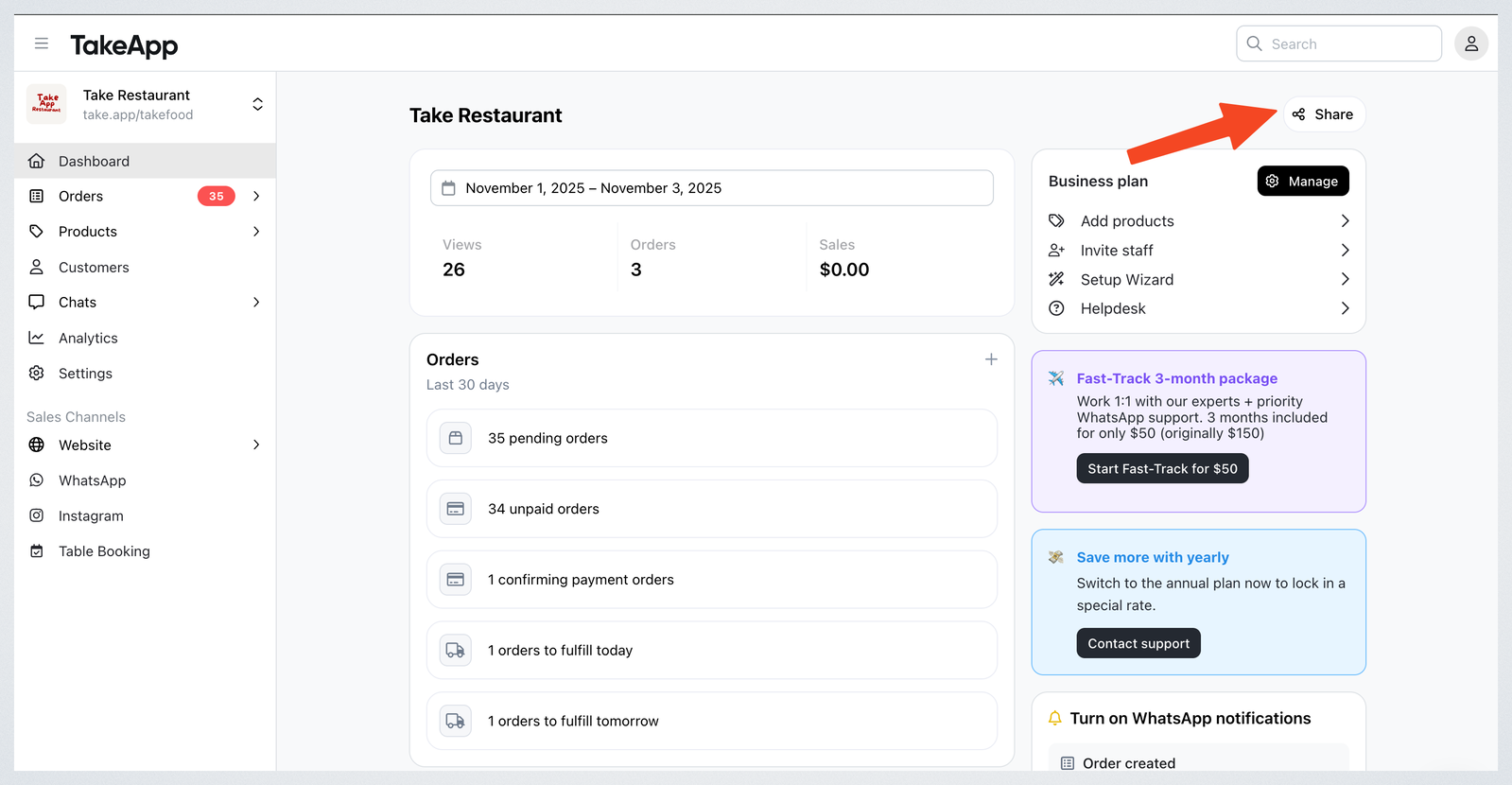
You can share your store link in two ways
-
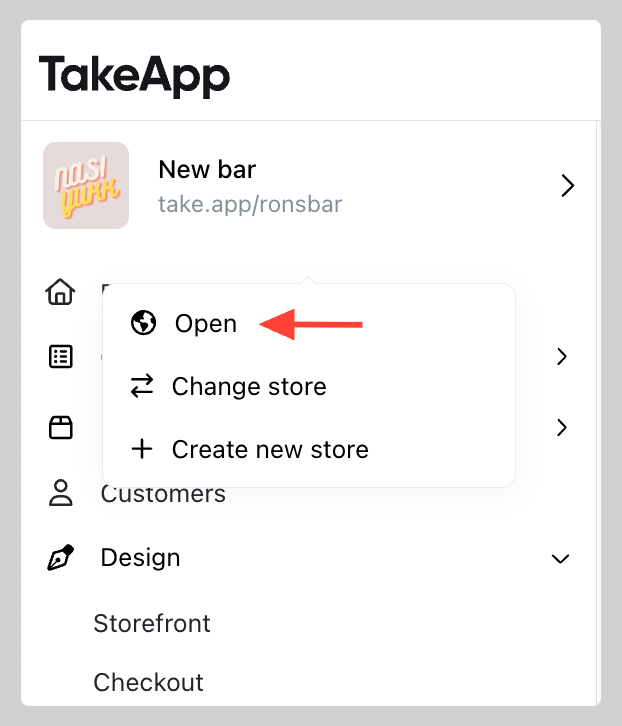
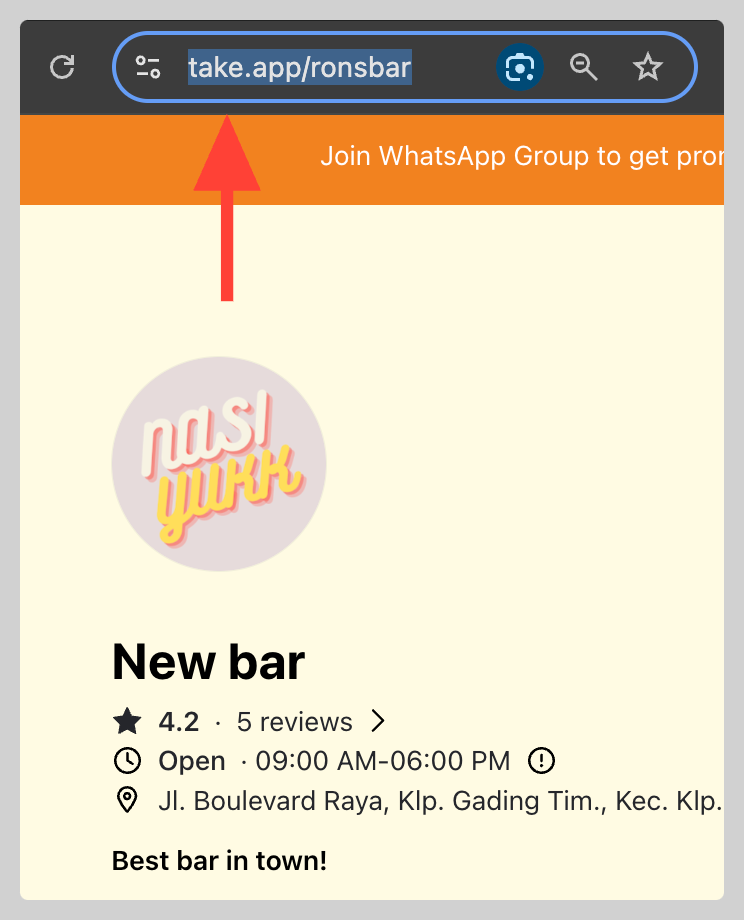
On your dashboard, move your mouse over your store’s logo or name. A pop-up menu will appear—click on "Open" to view your store. Now, simply copy the URL of your store from your browser's address bar.
-
In your Admin dashboard click on Share . There, you can easily copy and share your store link