Please note that this only works for Business Plan users.
Assigning Staff
-
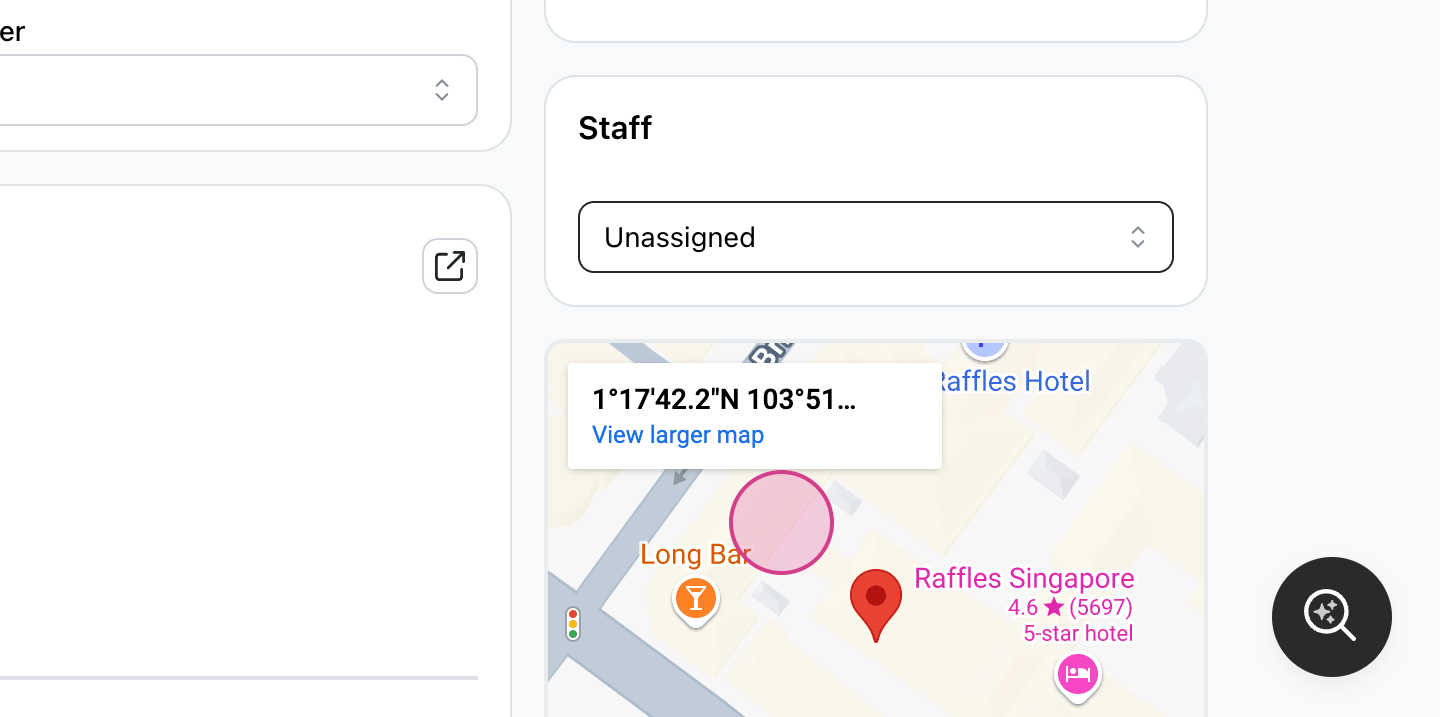
Go to the order detail page, and locate the staff section.
-
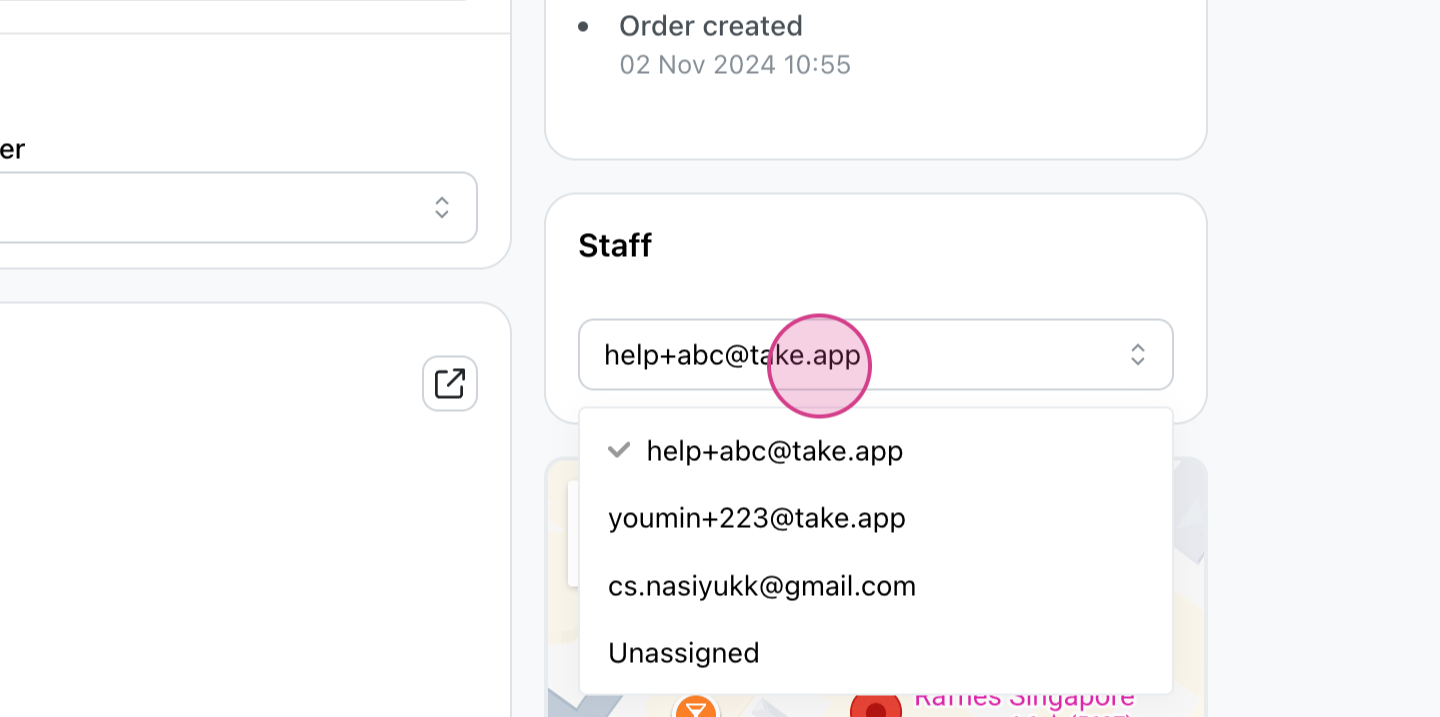
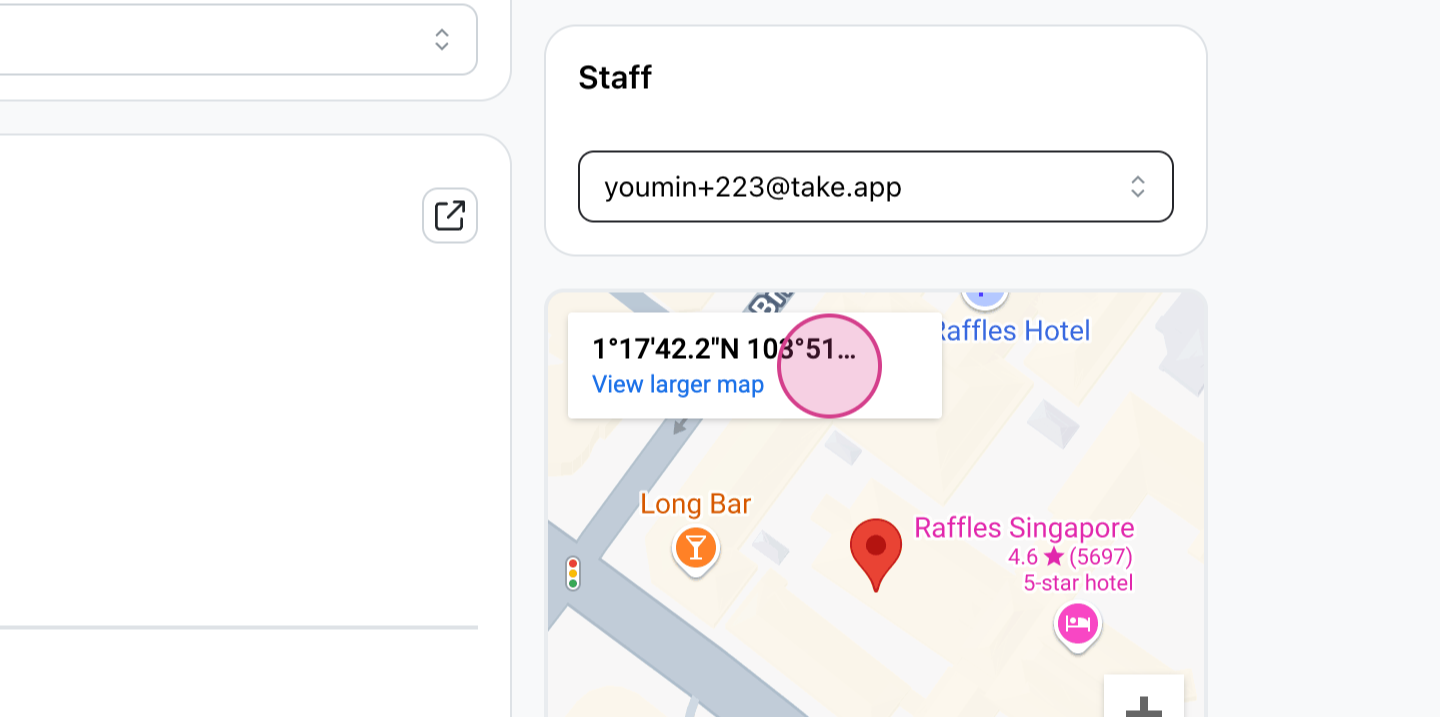
Choose the staff member to assign to the order.
-
Notice that the staff badge is now shown in the order detail page.
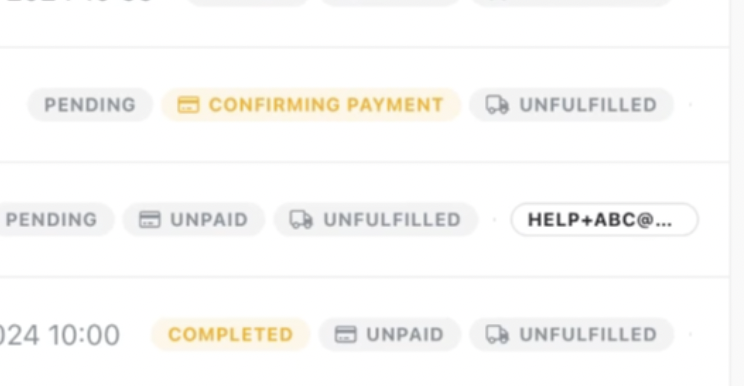
Filter based on Staff
-
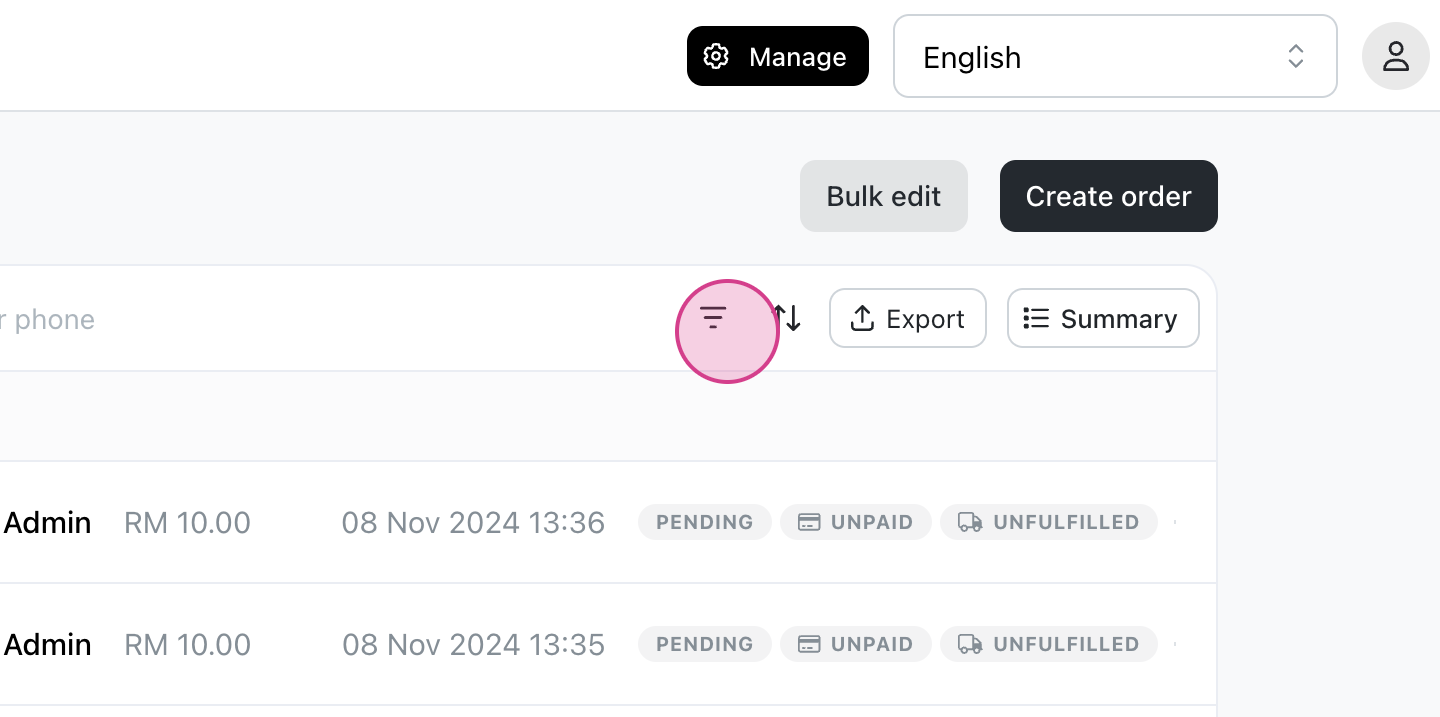
Go to the filter section on top (icon with three bars)
-
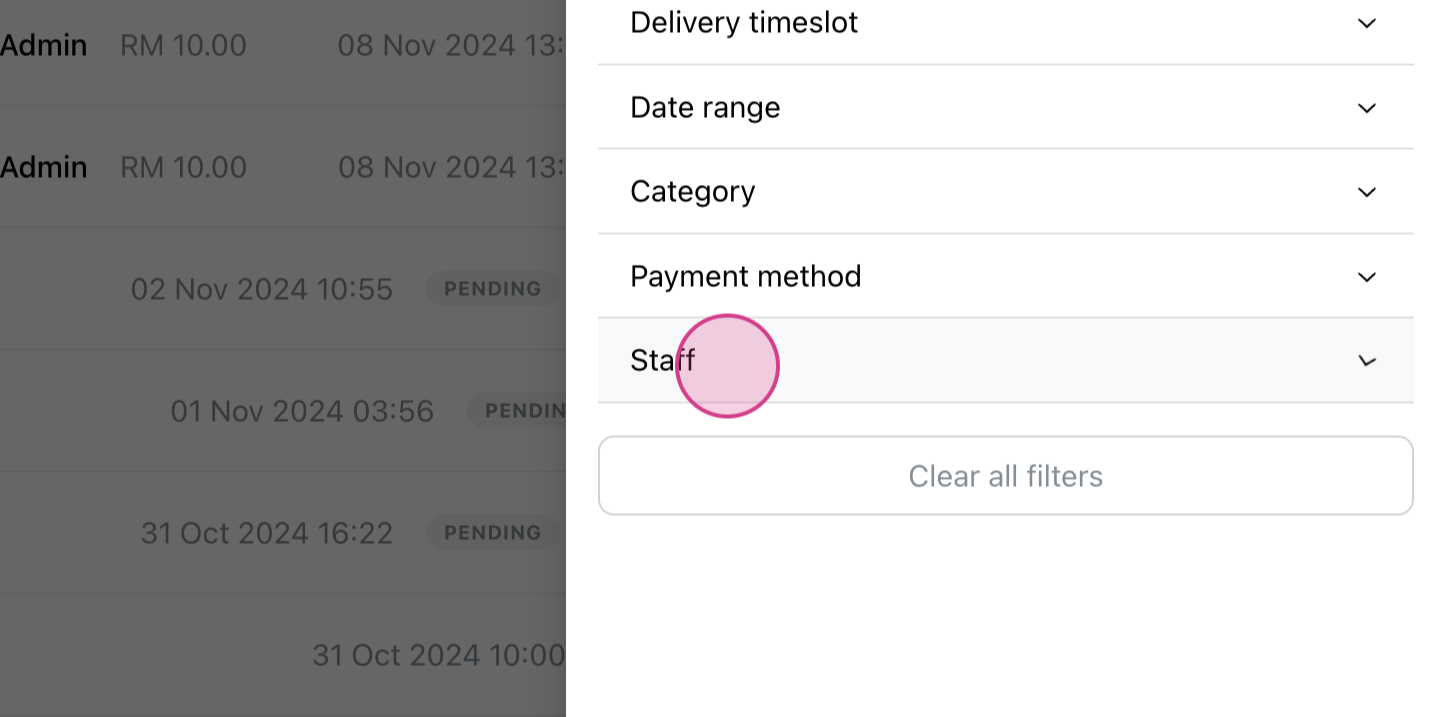
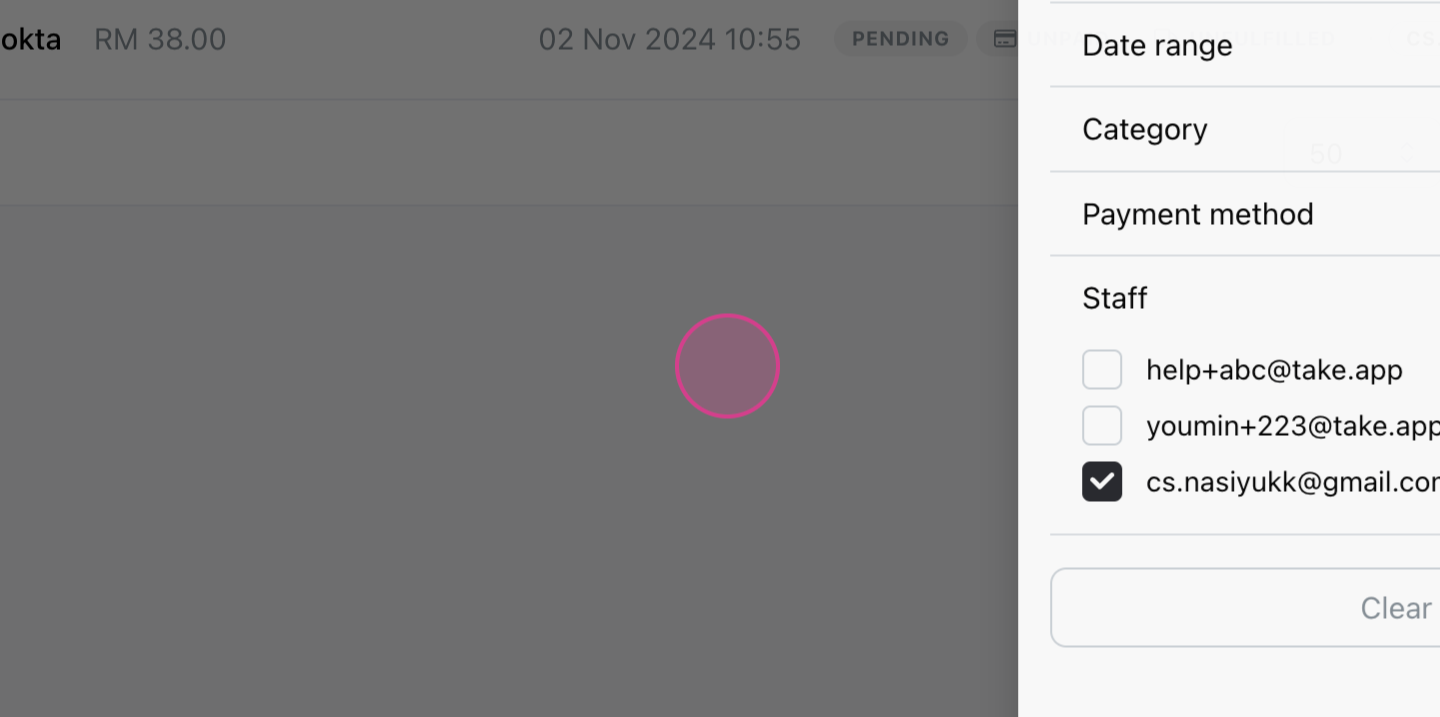
Click on Staff
-
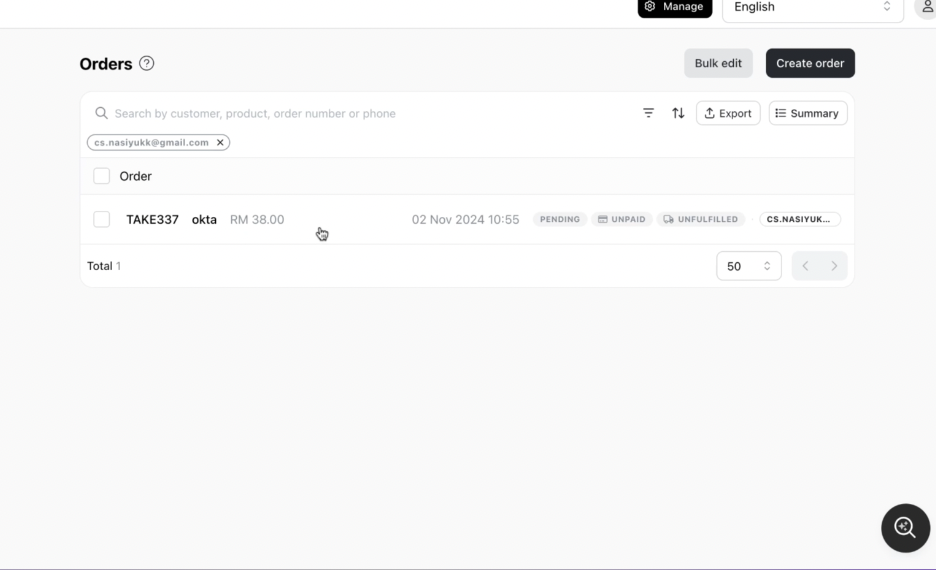
Scroll down to view the filtered orders.
-
The staff member will now see only their assigned orders.
Unassign orders
-
Select the order to unassign and choose "Unassigned" under Staff.